





Odds96 Mobile App Download for Android and iOS
Download app
The modern wagering landscape is increasingly defined by mobility. Players no longer want to be tethered to a desktop computer to place a live sports bet or spin the reels on their favorite slot machine. Recognizing this shift, top-tier platforms have invested heavily in creating seamless, portable ecosystems. Taking your gaming on the go has never been easier, and securing the official application ensures that you have the full power of the sportsbook and casino right in your pocket. Whether you are using a cutting-edge smartphone or a reliable tablet, completing the Odds96 app download provides a highly optimized, immersive experience tailored for the Malaysian market. This comprehensive guide will walk you through the entire process, from understanding the core benefits of the software to executing a flawless installation on both major mobile operating systems.
Mobile App Benefits
Opting for the dedicated application over standard mobile browsers completely transforms the user experience. While mobile websites are functional, they are inherently limited by browser capabilities and network speeds. A native application bypasses these bottlenecks, interacting directly with the device’s hardware to deliver a superior, uninterrupted betting environment.
Fast Screen Loading Speed
In the world of live sports betting, a delay of just three seconds can mean missing out on a highly profitable odds shift. The Odds96 betting app is engineered for instantaneous response times. Because the core user interface elements—such as buttons, background images, and layout structures—are installed directly onto the device, the software only needs to download the raw data (like live scores and odds) from the server. This fundamental difference in architecture means that screens transition seamlessly, bet slips populate instantly, and casino lobbies load without the frustrating rendering delays associated with mobile browsers.
Low Mobile Data Consumption
Data efficiency is a critical factor for players who frequently wager while commuting or traveling away from stable Wi-Fi connections. The dedicated application is incredibly economical with your mobile data plan.
- Pre-loaded Assets: Heavy graphics and animations are stored locally on your device during the initial Odds96 download, meaning they do not need to be repeatedly fetched over the cellular network.
- Compressed Data Packets: Real-time odds updates and live match statistics are transmitted using highly compressed data packets, minimizing bandwidth usage.
- Adaptive Streaming: If you are watching live dealer games, the application automatically adjusts the video quality based on your current connection strength to prevent buffering while saving data.
- Background Efficiency: When minimized, the app suspends unnecessary network polling, ensuring it does not silently drain your monthly data allowance.

Instant Push Notifications
Staying informed is half the battle in strategic wagering. The application leverages the native push notification capabilities of your smartphone to keep you firmly in the loop. Users can heavily customize these alerts. You can set the system to notify you the moment a specific football match kicks off, when a goal is scored, or when a tennis match reaches a crucial tie-break. Beyond sports, these alerts are invaluable for casino players, providing instant updates on exclusive reload bonuses, free spin drops, and limited-time promotional events that you might otherwise miss.
Android Setup Guide
Because the Google Play Store maintains strict regional policies regarding real-money gambling applications, users cannot simply search and install the software from the central marketplace. Instead, Android users must retrieve the setup package directly from the source. This process is highly secure and takes only a few minutes.
Direct APK File Download
To begin, you must acquire the installation file, known as an APK (Android Package Kit). It is absolutely crucial that you only execute the Odds96 apk download from the official mobile website. Navigating away from the official source exposes you to security risks and outdated versions. Simply open your preferred mobile browser (such as Chrome), navigate to the main site, and locate the prominent mobile application section. Tapping the download button will securely transfer the verified package directly to your device’s local storage.
Phone Security Settings
Android operating systems are designed by default to block installations from sources outside of the Google Play Store. Before you can execute the Odds96 apk, you must briefly adjust your phone’s security permissions to allow the process to proceed.
- Open the main Settings application on your Android device.
- Scroll down and select the Security or Privacy & Security menu (the exact naming varies by manufacturer).
- Locate the section labeled Install Unknown Apps or Unknown Sources.
- Find the web browser you used to download the file (e.g., Google Chrome) and toggle the switch to Allow from this source.
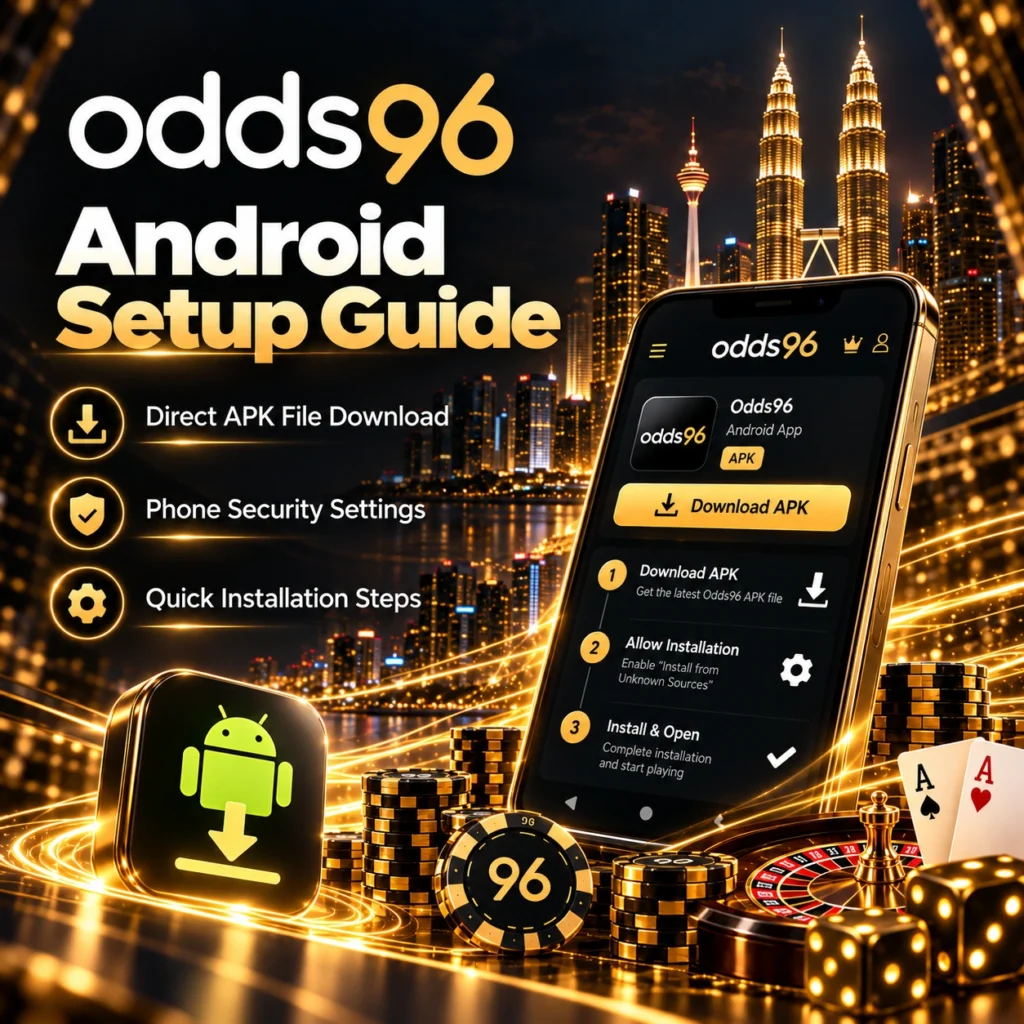
Quick Installation Steps
Once the file is safely stored on your device and the necessary permissions are granted, you are ready to finalize the setup.
- Open your device’s File Manager or pull down the notification shade to locate the completed download.
- Tap on the downloaded Odds96 download apk file to initiate the installer.
- A system prompt will appear asking for confirmation to install the application. Tap Install.
- Wait approximately 15 to 30 seconds for the Android system to unpack and install the software.
- Once the “App Installed” screen appears, tap Open to launch the platform immediately, or select Done to find the newly created icon on your home screen.
iOS Setup Guide
Apple devices operate within a different ecosystem, and the process for getting your iPhone or iPad ready for action varies slightly. The platform provides a highly refined Odds96 ios app experience that fully respects the strict security and performance guidelines established by Apple.
Setup Steps for iPhone
Depending on the specific region and the current status of the App Store guidelines, iOS users have distinct pathways to access the platform. If the native application is available in the local App Store, a direct link from the official mobile site will route you seamlessly to the download page. If you are operating in a region where store access is restricted, the platform employs a robust Enterprise deployment method, allowing you to download the secure package directly through your mobile browser, mirroring the flexibility of the Android approach while maintaining iOS security standards.
Approving Device Profiles
If you utilize the direct download method outside of the App Store, Apple’s security architecture requires you to manually “trust” the developer profile before the application will launch.
| Step | Action Required on iOS Device | Expected Outcome |
| 1 | Navigate to Settings > General > VPN & Device Management. | Accesses the enterprise profiles list. |
| 2 | Locate the specific profile associated with the downloaded app. | Identifies the developer certificate. |
| 3 | Tap “Trust [Developer Name]” and confirm the prompt. | Authorizes the software to run on the iPhone. |
| 4 | Return to the home screen and tap the application icon. | The app launches normally without security errors. |
Smooth Safari Performance
If you prefer not to install standalone profiles, or if your device is running low on storage, the platform offers an exceptional alternative via a Progressive Web App (PWA). By accessing the site through the Safari browser, you can tap the “Share” icon and select “Add to Home Screen.” This creates a direct shortcut that behaves exactly like a native app. It runs in a full-screen, chromeless environment, stripping away the Safari search bar and navigation buttons, delivering a sleek, uninterrupted betting experience.
Core App Features
The transition from desktop to mobile is pointless if the functionality is compromised. The development team has ensured that every feature available on the main website is perfectly translated and enhanced for touch-screen interfaces.
Easy Touch Controls
Navigation is the foundation of a good mobile application. The Odds96 app utilizes an intuitive, bottom-heavy navigation bar, ensuring that the most critical sections—Sports, Casino, Live Betting, and your Bet Slip—are always within thumb’s reach, even on large modern smartphones. The interface employs fluid swipe gestures; you can swipe left or right to switch between different sports categories or drag down to instantly refresh live odds. The bet slip itself is highly dynamic, sliding up smoothly from the bottom of the screen only when needed, keeping the main interface uncluttered.
Biometric Sign In
Security and speed are perfectly balanced through the integration of biometric login protocols. Typing out complex passwords on a mobile keyboard in public is both frustrating and a potential security risk. The application integrates flawlessly with Android Fingerprint scanners and Apple’s Face ID technology. Once you log in manually for the first time, you can enable biometrics in the app settings. Subsequent logins require nothing more than a glance or a touch, taking you from your lock screen to active in-play wagering in under two seconds.
Fast Game Performance
Mobile casinos often struggle to deliver the graphical fidelity of desktop counterparts. However, this application utilizes advanced hardware acceleration to ensure top-tier performance.

| Performance Metric | Mobile Web Browser | Official Mobile App |
| Slot Animation Framerate | 30 FPS (often stutters) | 60 FPS (Silky smooth) |
| Live Dealer Video Quality | 720p (compressing heavily) | 1080p HD (Adaptive bitrate) |
| Bet Slip Execution Time | ~2.5 seconds | < 1 second |
| Battery Drain (1 Hour Play) | High (Constant browser rendering) | Optimized (Hardware efficient) |
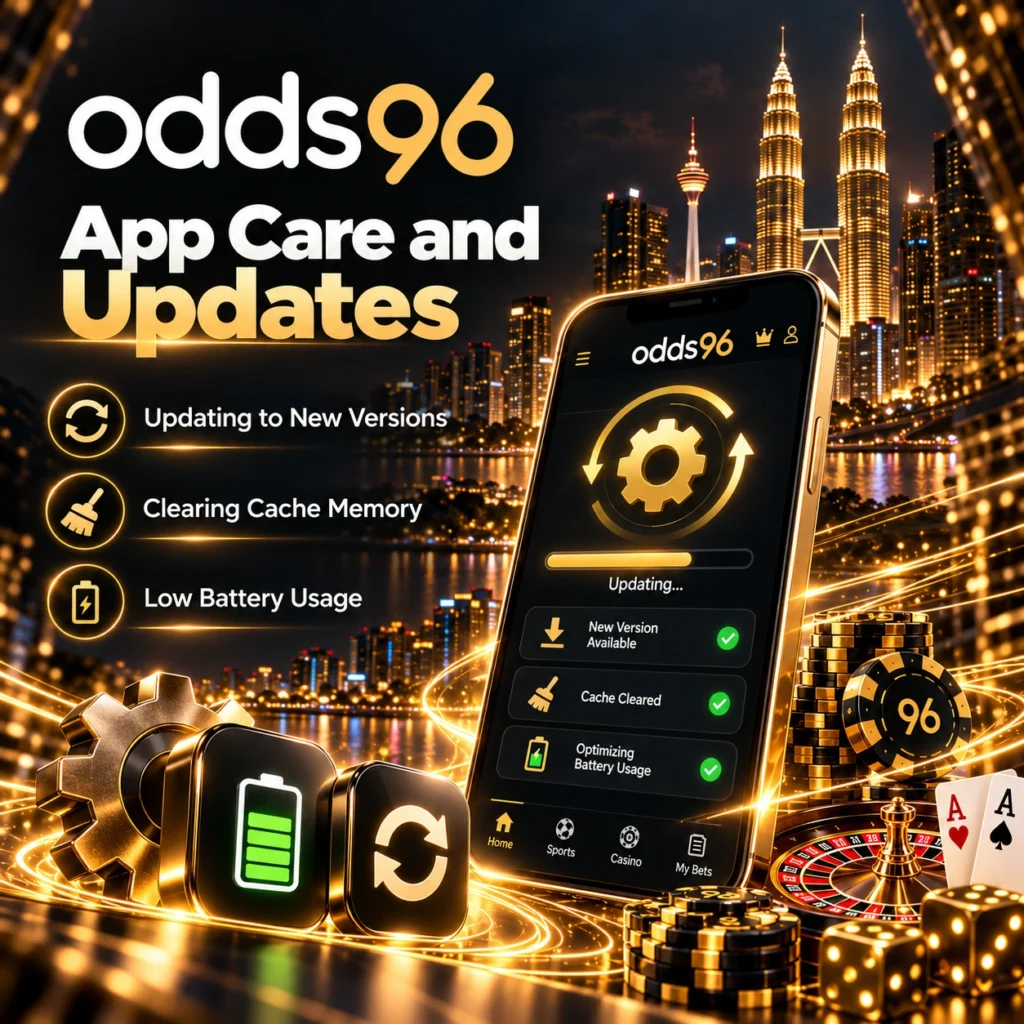
App Care and Updates
Software requires maintenance to ensure peak performance. Keeping your application healthy is straightforward and ensures you never encounter disruptive bugs or security vulnerabilities.
Updating to New Versions
The betting landscape evolves rapidly, with developers constantly adding new features, fresh casino titles, and performance patches. If you installed via an official store, updates are handled automatically by your device. If you utilized the Odds96 apk, the application features an integrated auto-updater. When a new version is released, you will receive an in-app prompt upon launch. Confirming this prompt will seamlessly download and install the latest patch in the background without requiring you to manually navigate to the website again.
Clearing Cache Memory
Over time, applications accumulate temporary data known as cache. This includes thumbnail images of slot games, team logos, and past betting history. While this speeds up loading times initially, an overgrown cache can eventually cause the app to feel sluggish.
- Android: Go to Settings > Apps > select the betting app > Storage > tap “Clear Cache.”
- iOS: Apple handles cache automatically, but if the app feels slow, a quick uninstall and reinstall is the cleanest way to wipe the memory.
- In-App: Check the profile settings within the app itself, as some versions offer an internal “Clear Temporary Files” button for immediate refreshment.
Low Battery Usage
Prolonged gaming sessions can heavily tax a mobile battery. The application is coded with energy efficiency in mind. Dark mode is fully supported, which drastically reduces power consumption on modern OLED and AMOLED screens by literally turning off black pixels. Furthermore, the software prevents background tracking when the app is closed, ensuring your battery is preserved for when you actually need it.
Solving Setup Issues
While the Odds96 app download process is designed to be frictionless, device-specific quirks can occasionally cause minor hiccups. Here is how to quickly troubleshoot the most common installation hurdles.
Handling Installation Alerts
When executing the Odds96 apk download, Android’s Google Play Protect system may occasionally flag the file with a generic “Unrecognized App” warning simply because it did not originate from the Play Store. This is standard behavior for all direct downloads. When this pop-up appears, you simply need to click on “More Details” (or a similar prompt) and select “Install Anyway.” As long as you sourced the file directly from the official website, the software is entirely safe and thoroughly scanned for malware prior to distribution.
Fixing Permission Errors
Modern mobile operating systems strictly compartmentalize what hardware an application can access. If you find that certain features are not working, you likely declined a permission prompt during the initial setup.
| Feature Not Working | Required Permission | How to Fix (Settings > Apps) |
| Push Notifications fail | Notifications | Toggle “Allow Notifications” to ON. |
| Cannot upload KYC ID | Camera / Storage | Grant access to Camera & Media Files. |
| Location-based promos fail | Location Services | Allow Location access “While Using App”. |
Resolving Download Delays
If your download freezes or takes an unusually long time to complete, the issue almost certainly lies with local network interference rather than the platform’s servers.
- Switch Networks: Disconnect from public Wi-Fi (which often throttles download speeds for large files) and switch to your mobile 4G/5G data.
- Clear Browser Cache: Sometimes a corrupt temporary file in Google Chrome or Safari blocks the download script. Clear the browser history and try again.
- Check Storage Space: The download will silently fail if your phone has less than 200MB of free space available. Delete unused videos or apps to clear room for the installation package.
Frequently Asked Questions (FAQ)
The only guaranteed safe location to download the installation files is the official mobile website. Never use third-party APK aggregator sites, as these files may be tampered with or outdated.
No. You use the exact same login credentials for the mobile application as you do for the desktop website. All your funds, active bets, and bonuses are synced instantly across all platforms.
Yes, the application is 100% free to download, install, and update. You are only required to deposit funds when you are ready to place real-money sports wagers or play casino games.
Android devices issue a generic security warning for any application downloaded outside of the Google Play Store. As long as you downloaded the file directly from the official site, you can safely allow the installation.
Absolutely. The application is fully optimized for high-definition video streaming. As long as you have a stable internet connection, you can play live blackjack, roulette, and baccarat with zero lag on your Apple device.